|
Easy to Install
|
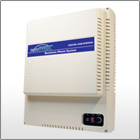
Step 1 - Mount the EasyPBX Digital Hub
Place the main control unit in a suitable location close to your incoming telephone lines and a standard power outlet.
|
 |
|
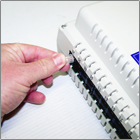
Step 2 - Connect your incoming telephone lines
Plug the incoming telephone line(s) from the wall sockets into the main unit using the 1.5m cables supplied (up to 6 incoming lines may be used).
|
 |
|
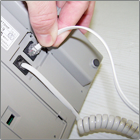
Step 3 - Connect the EasyPBX key telephones
Locate handsets as required and connect to the main unit using the supplied 10, 20 & 30 metre phone leads.
|
 |
|
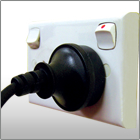
Step 4 - Power on your EasyPBX
Plug the main unit into the power outlet and switch the main unit on. That's it, your system is now ready to use.
|
 |
|
|